
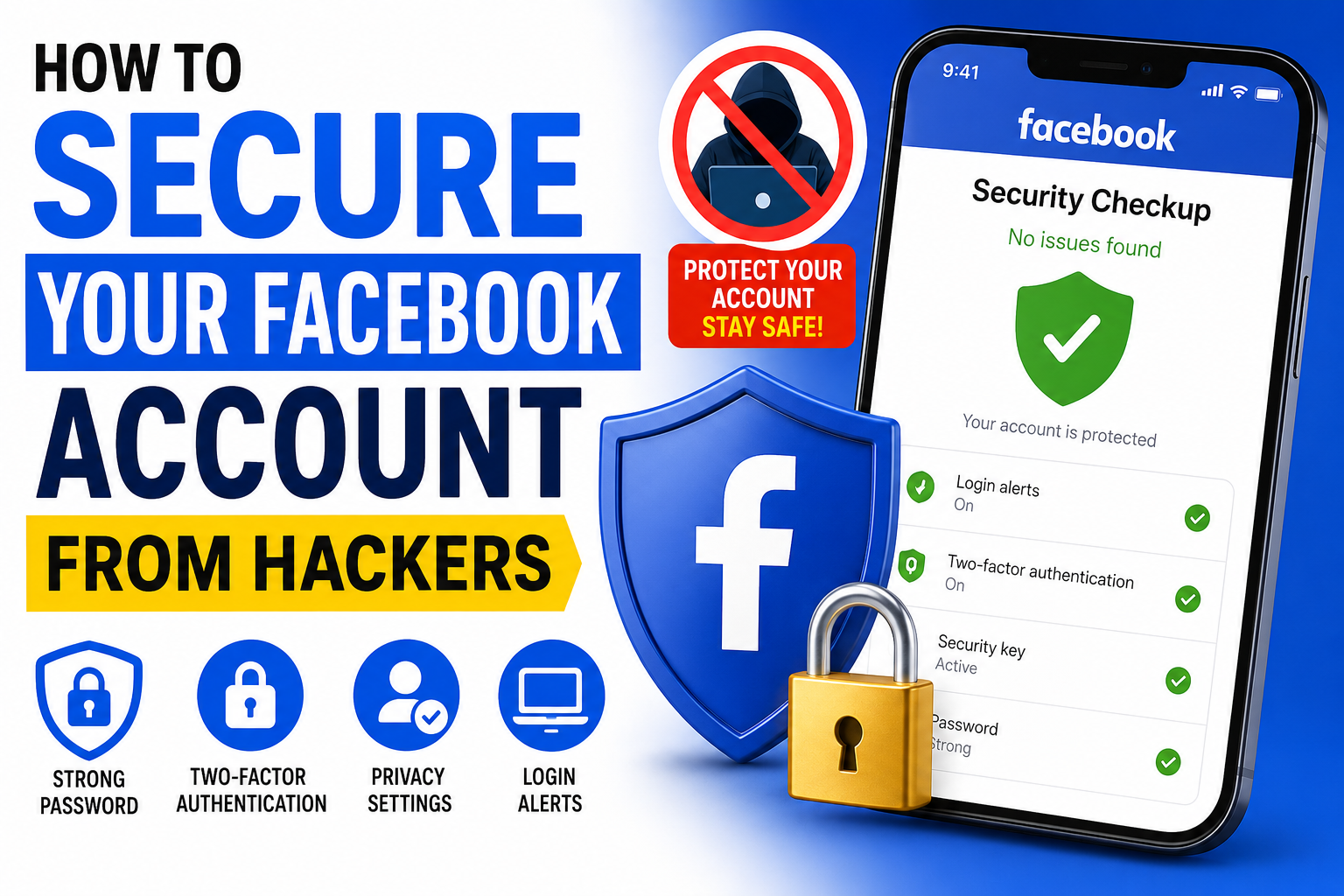
Protect Your Facebook Account Before It’s Too Late
Facebook account security is more important than ever in today’s digital world. Millions of users lose access to their accounts every year due to hacking, phishing, and weak passwords. Strengthening facebook account security can protect your personal data, business pages, and digital identity.
If you are searching for Facebook account security, “recover hacked Facebook account,” or “how to protect Facebook from hackers,” this guide will help you stay safe and recover quickly if something goes wrong.
Why Do Hackers Target Facebook Accounts?
Hackers target Facebook accounts for several reasons:
- Stealing personal information
- Sending scams to friends and followers
- Running unauthorized advertisements
- Accessing linked Instagram or Meta Business accounts
- Selling hacked accounts on underground markets
The more valuable your account is, the more attractive it becomes to cybercriminals.
- Use a Strong and Unique Password
Your password is your first line of defense.
A secure Facebook password should:
- Be at least 12-16 characters long
- Include uppercase and lowercase letters
- Contain numbers and special symbols
- Be unique and not used on other websites
Avoid passwords like:
- 123456
- password
- your name
- birth dates
Consider using a password manager to generate and store secure passwords.
- Enable Two-Factor Authentication (2FA)
Two-factor authentication adds an extra layer of security.
Even if someone steals your password, they still need a verification code from your phone or authentication app.
To enable 2FA:
- Open Facebook Settings.
- Go to Security and Login.
- Select Two-Factor Authentication.
- Choose an Authentication App for maximum security.
Authentication apps are generally safer than SMS verification.
- Beware of Facebook Phishing Scams
Most Facebook hacks occur because users unknowingly share their login credentials.
Common phishing messages include:
- “Your account will be disabled.”
- “Verify your Facebook account now.”
- “You have received a copyright strike.”
- “Someone tagged you in a video.”
Always check the website URL before entering your password.
Never log in through suspicious links sent via Messenger, email, or text messages.
- Monitor Login Activity Regularly
Facebook allows you to see where your account is currently logged in.
Check:
Settings → Security and Login → Where You’re Logged In
Look for:
- Unknown devices
- Unrecognized locations
- Suspicious sessions
Immediately log out of devices you don’t recognize.
- Update Recovery Information
Make sure your recovery options are current.
Verify that:
- Your email address is active
- Your phone number is correct
- Backup recovery methods are available
This information becomes crucial if you ever need to recover your account.
- Secure Your Email Account Too
Your email account is often the key to your Facebook account.
If hackers gain access to your email, they can reset your Facebook password.
Protect your email by:
- Using a strong password
- Enabling 2FA
- Reviewing recovery settings
- Checking login history
Think of your email account as the master key to your online identity.
- Avoid Public Wi-Fi Without Protection
Public Wi-Fi networks can expose your data to attackers.
If you must use public Wi-Fi:
- Use a trusted VPN
- Avoid entering passwords
- Log out after use
This reduces the risk of account compromise.
- Remove Suspicious Apps and Extensions
Some browser extensions and third-party apps request access to Facebook data.
Regularly review:
Settings → Apps and Websites
Remove anything you don’t recognize or no longer use.
Signs Your Facebook Account Has Been Hacked
Watch for these warning signs:
- Password suddenly stops working
- Unknown posts appear on your profile
- Friends receive strange messages from you
- Email or phone number changes without permission
- Unauthorized ads are running
- New login notifications from unfamiliar locations
If you notice any of these signs, act immediately.
How to Recover a Hacked Facebook Account
If your Facebook account has been hacked:
Step 1: Visit Facebook’s Recovery Page
Go to Facebook’s official account recovery process and follow the instructions.
Step 2: Change Your Password
Create a completely new password that has never been used before.
Step 3: Log Out of All Devices
End all active sessions to remove unauthorized access.
Step 4: Enable Two-Factor Authentication
Turn on 2FA immediately after regaining access.
Step 5: Review Security Settings
Check:
- Email addresses
- Phone numbers
- Connected apps
- Business account permissions
Remove anything suspicious.
Best Practices to Keep Your Facebook Account Safe
- Use a strong password
- Enable two-factor authentication
- Never click suspicious links
- Keep your email account secure
- Review login activity regularly
- Remove unknown apps and extensions
- Update recovery information
- Stay alert for phishing scams
Final Thoughts
Facebook account security is more important than ever. A hacked Facebook account can lead to identity theft, financial losses, damaged business pages, and compromised personal information.
By following the security practices in this guide, you can dramatically reduce the risk of becoming a victim of hackers. And if your Facebook account is already hacked, acting quickly can significantly improve your chances of successful account recovery.
Remember: prevention is always easier than recovering a hacked account.

Leave a Reply